
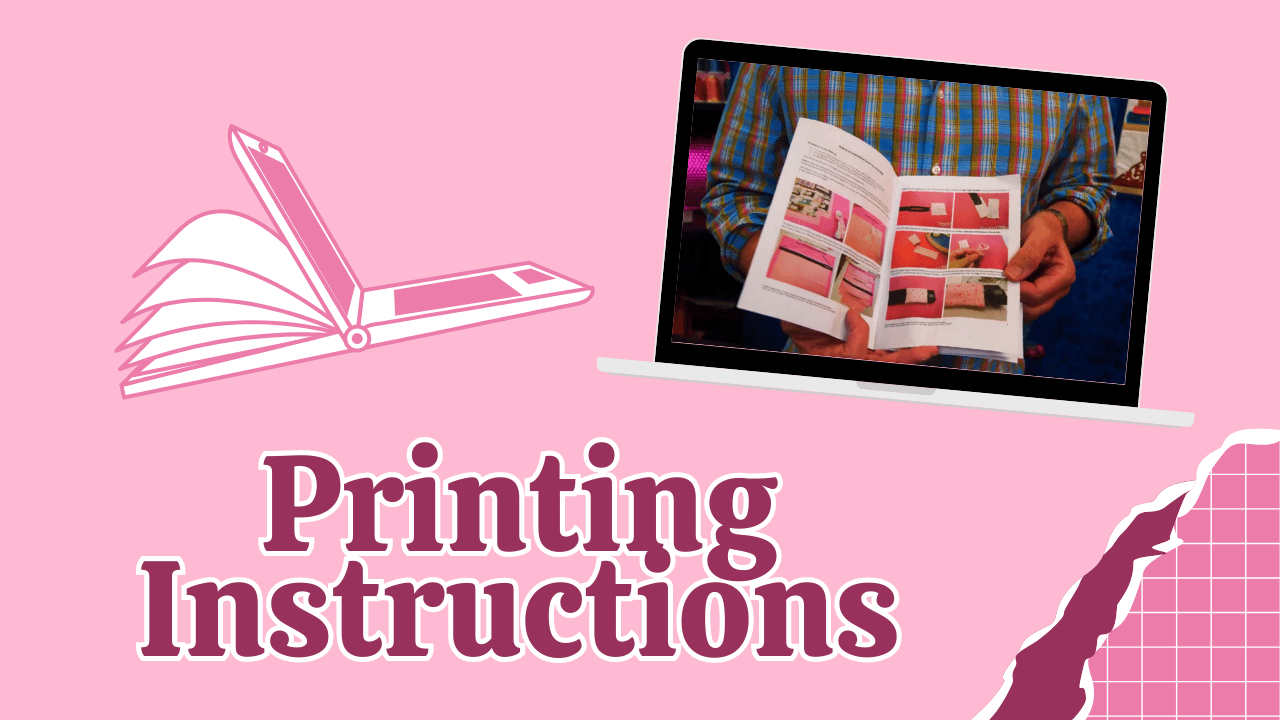
This guide explains how to efficiently print our instruction files, helping save paper, ink, and resources, and giving you a cute, hard copy version of the project!
Why Use PDFs for Instructions?
There are many reasons why printing a PDF into a booklet can be beneficial. It reduces paper and ink consumption, is compact, portable, easy to carry, and you can write notes, fold, and reuse as reference. Plus, there's nothing quite like having something in your hands to work with!
How to Create a Small Booklet from PDFs
- Save the PDF to your desktop.
- Open the PDF with notes or instructions.
- Decide which pages to print to avoid waste.
- Use the print menu and select Booklet mode.
- Choose both sides for double-sided printing.
- Set orientation to portrait.
- Print, and the printer will automatically organise pages.
Practical Example
For the Rose Handbag tutorial, which has 10 pages, instead of printing all, select booklet mode. This reduces 10 pages to just 3 pages, saving paper and ink. The booklet also opens on the left, like a book, making it easy to read.

Assembling the Booklet
- Check pages are in sequence.
- Fold pages in half.
- Use staples along the fold or sew the edge for durability.
- Ensure the pages are aligned and creased properly.
- Use a short stapler if available.
- Make sure the edges are level before stapling.
- Fold carefully to create a neat booklet.
- Use the booklet as a handy reference for techniques or instructions.
This method helps save resources and makes handling instructions easier, especially when traveling or working offline. Creating small, organised booklets from PDFs is an eco-friendly and practical approach to managing project instructions efficiently.
We hope this Sweet Pea Studio video and blog helped you create instruction booklets with ease! Happy stitching.


Leave a comment
This site is protected by hCaptcha and the hCaptcha Privacy Policy and Terms of Service apply.